
7 Must-Have Note-Taking Apps for Effective Studying
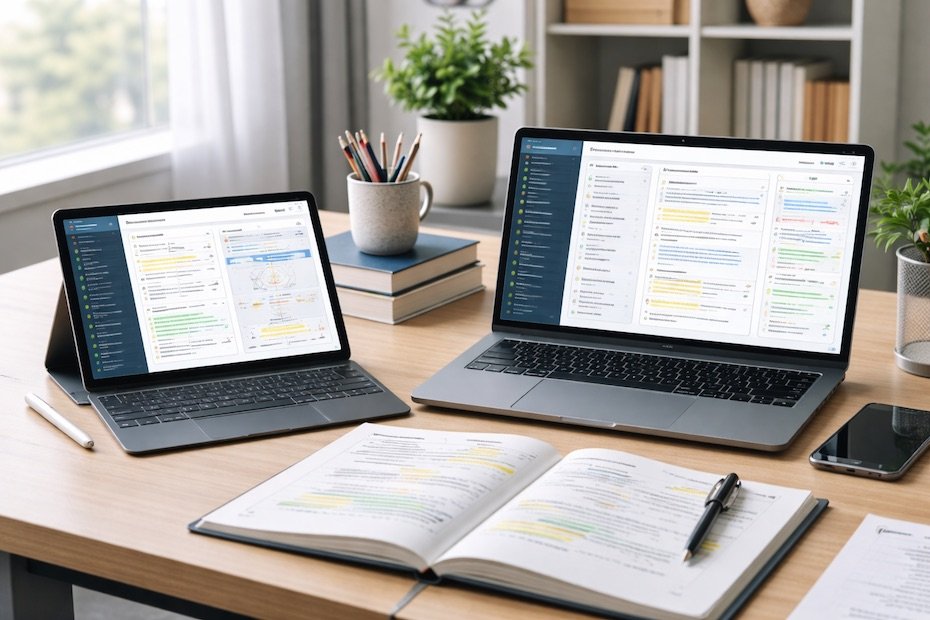
Table of Contents
- 1. “Notion” for Structured, End-to-End Study Organization
- 2. “Microsoft OneNote” for Digital Binder-Style Learning
- 3. “Evernote” for Deep Research and Long-Term Reference Notes
- 4. “GoodNotes” for Handwritten Notes and Visual Learning
- 5. “Google Keep” for Fast Capture and Micro-Notes
- 6. “Obsidian” for Concept Mapping and Knowledge Linking
- 7. “Apple Notes” for Simple, Reliable Daily Studying
- How to Choose the Right Note-Taking App for Your Study Style
- Best Note-Taking Apps for Studying
- Turn Your Notes Into a Competitive Study Advantage
Effective studying depends on how well you capture, structure, and revisit information. Note-taking apps give you control over your learning by turning raw lectures, readings, and ideas into organized, searchable knowledge you can actually use.
This article breaks down seven essential note-taking apps that support focused studying, long-term retention, and efficient review. Each tool serves a distinct learning style, helping you move from passive note collection to active academic execution.
1. “Notion” for Structured, End-to-End Study Organization
Notion works best when studying requires structure across multiple subjects, deadlines, and reference materials. You can build dedicated study hubs that combine notes, task tracking, calendars, and reading lists in one place. This eliminates the friction of switching between tools and keeps academic priorities visible.
Your notes in Notion scale from simple text pages to advanced databases. That flexibility supports both quick lecture capture and deeper synthesis across chapters or research topics. You can also embed PDFs, tables, and internal links to connect ideas across subjects.
For collaborative courses, Notion allows shared workspaces where group notes, discussion summaries, and project outlines stay aligned. That shared visibility reduces duplication and keeps everyone working from the same source of truth.
2. “Microsoft OneNote” for Digital Binder-Style Learning
OneNote mirrors the structure of a traditional notebook, which makes it intuitive for students transitioning from paper to digital systems. Notes are organized into notebooks, sections, and pages, supporting clean separation between courses and topics.
You can combine typed text, handwriting, drawings, images, and audio recordings within a single page. This flexibility matters when studying involves formulas, diagrams, or annotated lecture slides. Handwriting recognition also makes written notes searchable, saving time during revision.
OneNote synchronizes across devices and works reliably offline, which protects your study workflow during travel or poor connectivity. That consistency supports daily study habits without interruptions.
3. “Evernote” for Deep Research and Long-Term Reference Notes
Evernote excels when studying involves large volumes of information collected over time. You can store lecture notes, scanned documents, web articles, and PDFs in structured notebooks with tags for fast retrieval.
Its advanced search capability allows you to locate content inside images and attachments, which becomes critical when reviewing months of accumulated material. This makes Evernote a strong option for research-heavy disciplines.
Evernote also supports web clipping, letting you save academic sources directly into your study system. That direct capture reduces fragmentation and keeps research aligned with your notes.
4. “GoodNotes” for Handwritten Notes and Visual Learning
GoodNotes is designed for learners who retain information through handwriting and visual structuring. Writing notes with a stylus supports active engagement and improves recall during review.
You can organize notebooks by subject, annotate PDFs, and mark up lecture slides directly. This keeps source material and personal notes together, reducing cognitive load during revision.
Handwriting recognition allows you to search written content, combining the benefits of analog learning with digital efficiency. For tablet-based studying, GoodNotes replaces paper notebooks without sacrificing clarity or structure.
5. “Google Keep” for Fast Capture and Micro-Notes
Google Keep supports rapid note capture when you need speed rather than depth. It works well for short definitions, reminders, task lists, or quick lecture takeaways that you plan to expand later.
Notes appear as visual cards that you can color-code and label. This lightweight structure helps you separate ideas quickly without over-organizing. Reminders ensure critical study tasks are not forgotten.
Keep integrates smoothly with other Google tools, making it effective as a secondary capture layer alongside a more comprehensive note system.
6. “Obsidian” for Concept Mapping and Knowledge Linking
Obsidian focuses on connecting ideas rather than storing isolated notes. Each note links to others, allowing you to build a network of related concepts across courses or chapters.
This linking structure supports deeper understanding when subjects overlap or build on prior knowledge. Seeing how ideas connect improves synthesis and exam readiness.
Obsidian stores notes locally in plain text files, giving you full ownership of your data. Its plugin ecosystem allows advanced users to extend functionality for flashcards, daily study logs, and spaced repetition workflows.
7. “Apple Notes” for Simple, Reliable Daily Studying
Apple Notes offers a streamlined experience for students who value simplicity and stability. It supports typed notes, handwriting, checklists, and document scanning without setup overhead.
Notes synchronize across Apple devices automatically, making it easy to switch between phone, tablet, and laptop. Shared notes also support collaborative study without complex permissions.
While it lacks advanced customization, Apple Notes works well for consistent daily note-taking when reliability matters more than complexity.
How to Choose the Right Note-Taking App for Your Study Style
Your choice should match how you learn, not what looks most powerful. If your studying relies on structure and planning, tools like Notion or OneNote provide control and visibility. If writing improves retention, GoodNotes offers clear advantages.
Avoid using too many apps at once. A primary system paired with a lightweight capture tool often delivers better results than spreading notes across platforms.
Consistency matters more than features. A well-used simple app outperforms a complex system used inconsistently.
Best Note-Taking Apps for Studying
- Notion for structured study planning
- OneNote for flexible digital notebooks
- Evernote for research-heavy courses
- GoodNotes for handwritten learning
Turn Your Notes Into a Competitive Study Advantage
Strong note-taking is not about recording more information; it is about building systems that support understanding and recall. The right app helps you move from passive listening to intentional learning. When your notes are organized, searchable, and connected, revision becomes faster and confidence improves. Choose tools that support your study habits, then commit to using them consistently.
If you want more breakdowns on study systems, digital tools, and academic optimization strategies, explore additional insights and posts through my website.
Related Posts

How to Build a Strong Resume as a Student With No Experience
Learn how to build a strong student resume with no experience...

How to Memorize Faster and Retain Information Longer
Learn how to memorize faster with active recall, spaced repetition, and...

How AI Is Changing Supply Chain Jobs (And What Skills Will Still Matter)
See how AI is changing supply chain jobs and which human...